Guardix is placing client visibility at the center of its approach to security service reporting. Through its security guard reporting software, the platform helps security companies organize field activity into records that supervisors can review and clients can access according to their assigned permissions.
For a property manager opening a facility in the morning, an overnight security shift often comes down to practical questions: Who covered the property? Which areas were checked? Was anything unusual reported? What needs attention today?
Answering those questions requires information from several points in the shift. Attendance records establish when an officer checked in. Guard tour checkpoints document patrol activity. Photographs provide supporting detail. Incident reports explain observations, actions and outcomes.
Guardix brings these records into connected workflows so the office can follow the service performed at a site and share information approved for client visibility.
The process starts with officers documenting their assignments through the mobile app. Guardix’s NFC and QR guard tour tracking connects checkpoint scans with photographs and questions specific to each location. A loading dock may require a door photograph, while a perimeter checkpoint may ask about lighting, access conditions or other duties established by the security company.
This allows a supervisor to review the supporting information behind a completed checkpoint. The record can show what the officer checked and the observations submitted at that location. Completed and outstanding checkpoints remain available for follow-up.
When an incident occurs, officers can use Guardix’s security incident reporting software to submit forms configured for their post site. Reports can include incident categories, severity, photographs and supporting files. Managers can review the submission, request corrections, approve it or route it for further attention.
AI-assisted writing supports this process by helping officers refine their recorded observations into clearer language. Reviewers can compare the refined wording with the officer’s original notes. The reporting workflow keeps those observations available to the people responsible for checking the facts.
For clients, the result is access to service information associated with their properties. Guardix’s security guard client portal provides a web and mobile experience where authorized contacts can review approved reports, activity and other enabled site information.
Access is configured around the client relationship. Different contacts can receive different permissions, including whether they can view tracking information, schedules, time records or invoices. Clients can also raise tickets with the security company and follow the resulting conversation.
Guardix extends that visibility through automated client reporting. Security companies can configure daily, weekly or monthly emails, selecting the report types, properties, recipients, reporting period and delivery time for each communication.
A site manager might receive a daily operational update, while an account owner receives a monthly service summary. Available report categories include hourly reports, incident reports, daily activity reports, hours worked and patrol or tour reports. Scheduled emails include a PDF report, and the office can review delivery records and resend reports when needed.
These reporting routines give account managers a consistent foundation for client conversations. A question about an overnight event can begin with the relevant report and photographs. A concern about patrol coverage can be reviewed alongside checkpoint history. A request for follow-up can remain connected to the client’s ticket.
The same information can support regular service reviews, helping security companies discuss recorded activity, unresolved issues and site-specific responsibilities with their clients.
Guardix’s approach emphasizes the relationship between the work performed and the information shared. Officers create the field record, supervisors review it, and clients receive access through the company’s configured reporting and permission settings.
Security companies can request a personalized Guardix demonstration to explore how patrol documentation, incident reporting, client access and scheduled updates fit their existing service requirements.
Security companies need reliable ways to schedule officers, verify attendance, document patrols, communicate with clients, and manage the information behind payroll and billing.
The right software should support those responsibilities in a way that works for your team. Some companies prioritize field accountability and reporting. Others need stronger scheduling controls, financial workflows, or AI assistance for routine administrative tasks.
This guide compares Guardix, Connecteam, Belfry, TrackTik, and GuardsPro, covering their core capabilities, AI and automation tools, potential fit, and buying considerations.
Security Guard Software at a Glance
| # | Platform | Main areas to evaluate | Website |
|---|---|---|---|
| 1 | Guardix | Connected field operations, client reporting, business workflows, and specialized AI agents | GUardix.com |
| 2 | Connecteam | Scheduling, time tracking, communication, forms, and employee resources | connecteam.com |
| 3 | Belfry | Security operations, native payroll, billing, and Belle AI | belfrysoftware.com |
| 4 | TrackTik by Trackforce | Multi-site operations, patrols, dispatch, analytics, and back-office processes | trackforce.com |
| 5 | GuardsPro | Patrol management, reporting, scheduling, dispatch, and client access | GuardsPro.com |
About Guardix
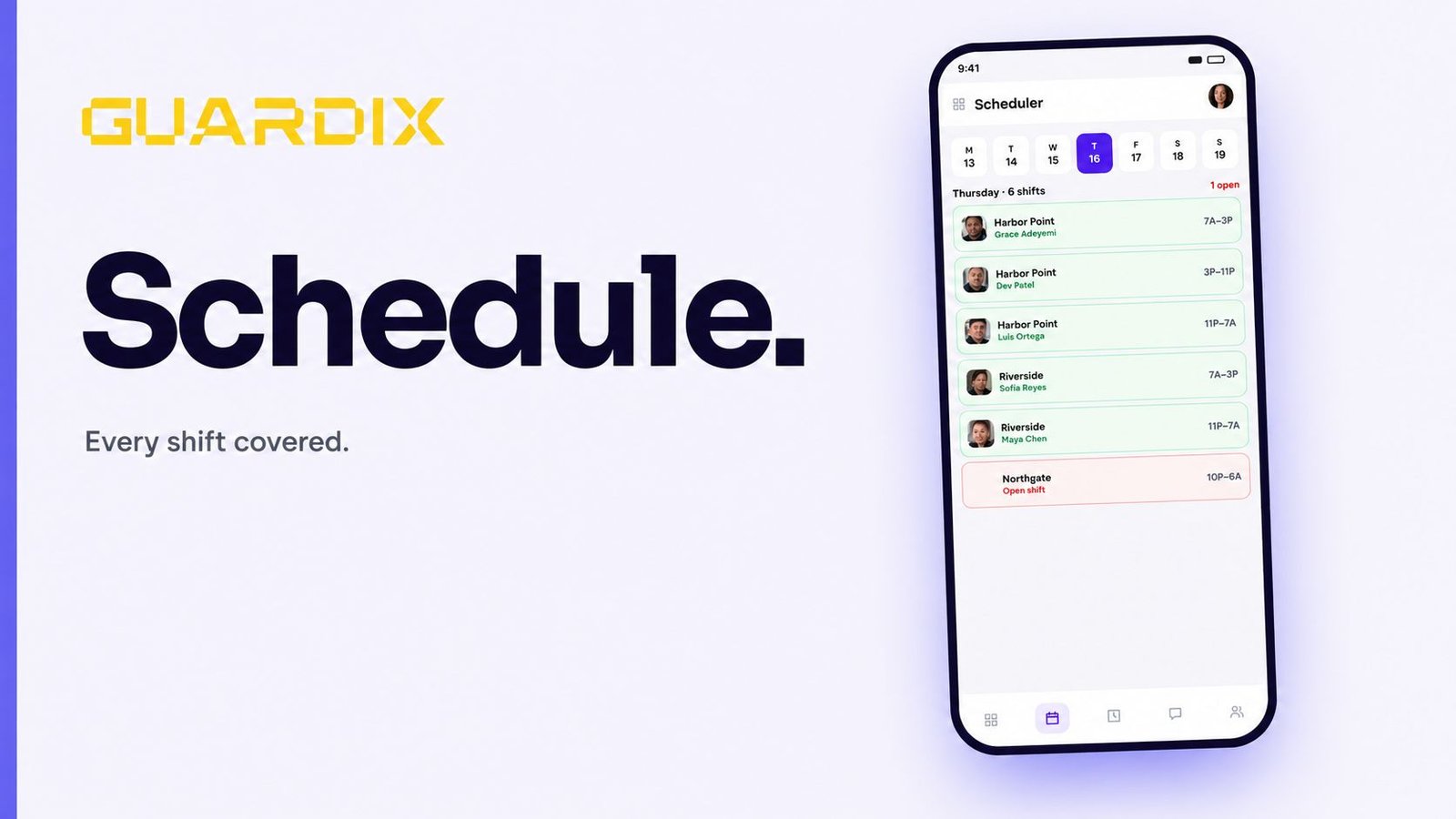
Guardix is a security workforce and operations management platform connecting officers, managers, administrators and clients. Its web and mobile tools support scheduling, attendance, GPS tracking, guard tours, reporting, workforce administration and business workflows, with AI assistance for supported tasks. Feature availability and access depend on the applicable offering and configuration.